Key Takeaways
- Phantom power is real, but usually only 5–10% of a typical bill.
- In warmer weather, cooling habits move the needle far more than anything left plugged in.
- Unplugging high-standby devices (TVs, consoles, office gear) can save an Irish household roughly €80–€150 a year.
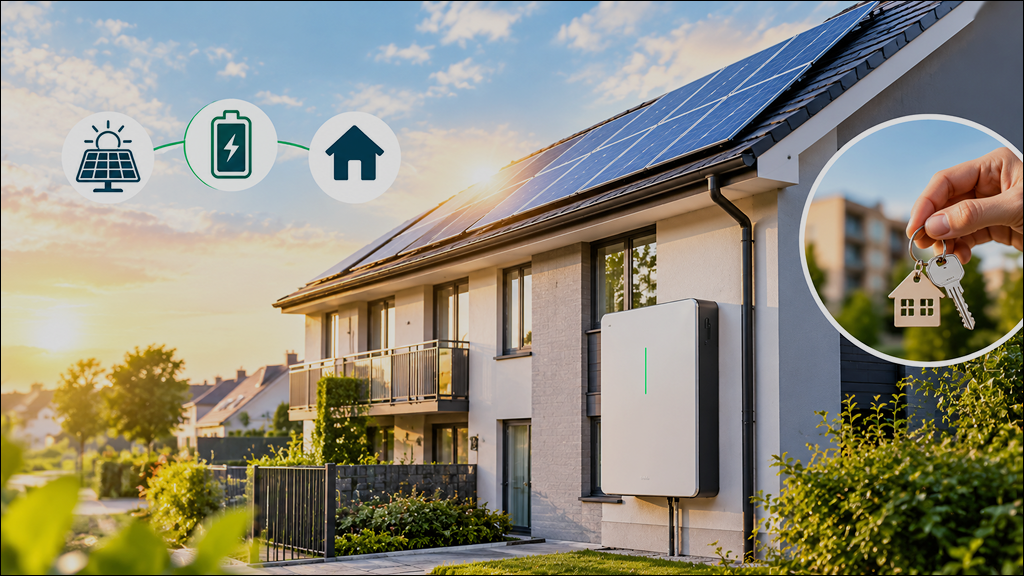
- Smart power strips, plugs and better cooling habits usually beat unplugging every device – as does generating your own solar power.
- Below: what to unplug, what to leave plugged in, how to cut cooling costs, plus a FAQ.
Why July Is the Perfect Time to Think About Unplugging
July tends to be one of the busier electricity months, with households home more over school holidays and reaching for fans or portable cooling. It’s also a time when many consider solar panels for homes to help offset that extra usage, alongside asking how much electricity appliances use when switched off but still plugged in – often called phantom or standby power.
Tackling both cooling habits and the worst standby offenders is the most effective way to control a summer bill. Standby loads are commonly estimated at 5–10% of annual use.
How Much Energy Do Plugged-In Appliances Use When “Off”?
A simple rule of thumb: one watt drawn continuously uses about 9kWh a year, typically €2–€3 at current Irish prices.
- TVs, set-top boxes and streaming boxes: often the biggest standby draw, kept alive for quick start-up.
- Games consoles and desktop computers: meaningful draw in rest mode, adding up across a household.
- Printers and kitchen appliances with clocks or displays: small individual draws that persist around the clock.
- Chargers left in sockets: usually the smallest offenders, but they add up across several devices.
Collectively these can add roughly €80–€150 a year, depending on how many devices are left plugged in. A plug-in energy monitor shows exactly where to focus.
Is It Better to Unplug Appliances or Focus on Cooling in July?
With July acting as a cooling season, air conditioning, portable units or heat pumps often account for a far larger bill share than standby devices ever will. In a typical three-bedroom home through a hot spell, cooling would likely be the largest item, appliances next, and standby a smaller remainder.
Unplugging is worthwhile year-round, but the fastest July savings come from thermostat settings, sealing air leaks and using fans well. Best approach: optimise cooling first, then target standby loads.
Which Appliances Should You Actually Unplug?
Not all devices are equal – focus on high-standby, easy-to-reach items.
- Home entertainment: TVs, consoles, soundbars and streaming boxes, often sitting in standby with constant network connections.
- Home office: desktops, monitors and printers, especially clustered on one desk.
- Kitchen countertop appliances: coffee machines, microwaves and toaster ovens with always-on clocks or displays.
- Chargers and docks: phones, tools and game controllers, easy to forget and quick to add up.
Unplugging sensitive electronics during thunderstorms also cuts surge risk, and a nightly power-strip routine makes this effortless. Households generating power via residential solar panels can offset daytime standby use with their own generation.
What Should You Leave Plugged In?
“Unplug everything” isn’t realistic – some devices must stay powered for safety or practical reasons.
- Refrigerators and freezers: food safety depends on continuous running; switching off and warming up actually uses more energy.
- Medical devices: CPAP machines, medical fridges and health monitors should stay connected.
- Wi-Fi routers and smart hubs: including security cameras and doorbells, which need to stay online.
- Sump pumps, dehumidifiers, and smoke or carbon monoxide alarms: always safety-critical.
Water heaters are typically left on, since a short trip rarely saves much. Central cooling should be controlled by thermostat, not the breaker – check manufacturer guidance before unplugging anything complex.
Energy-Saving Tips Beyond Unplugging
Aim for a comfortable 24–26°C when home, letting temperatures drift higher while out; a smart thermostat with weekday, weekend and holiday schedules removes the guesswork.
- Use fans so you can raise the thermostat a few degrees without losing comfort.
- Close blinds on sun-facing windows during peak afternoon heat.
- Seal air leaks around doors and windows so cooling equipment works less hard.
Run dishwashers and washing machines in the evening, line-dry clothes when possible, and use microwaves or a grill rather than the oven on hot afternoons.
How Power Strips and Smart Plugs Make Unplugging Easier
Basic power strips with an on/off switch cut power to a whole cluster – a TV corner or home office – with one flick. Advanced strips sense when a “master” device switches off and cut peripherals automatically, or run on a timer for set hours. Individual smart plugs add app or voice control and energy tracking, useful for a games console or portable cooling unit. Strips don’t reduce a device’s draw on their own, but turning devices fully off can noticeably lower a bill.
How to Estimate Your Own Savings
- Step 1: list every device that stays plugged in around the clock, room by room.
- Step 2: use nameplate wattage, an online average, or a power meter to estimate standby watts.
- Step 3: multiply watts by hours per day and your electricity rate for a rough monthly cost.
Example: a console, TV and streaming box drawing 20W combined on standby could cost a few euro a month alone. Homes with lots of electronics see the biggest benefit.
Common Myths About Unplugging and Energy Efficiency
- Myth: standby mode is basically off – many devices still draw watts via LEDs or network connections; only unplugging stops this fully.
- Myth: unplugging will cut your bill in half – most July bills are dominated by cooling, water heating and laundry.
- Myth: chargers use no power unless connected – many older chargers still draw a little just by being plugged in.
- Myth: switching devices off and on uses more energy than leaving them running – start-up energy is tiny next to hours of idle draw.
FAQ: Unplugging Appliances and Summer Energy Savings
Does unplugging make a noticeable difference on a single bill?
Often modest – a few to a few dozen euro – but more substantial combined with smarter cooling over a full summer.
Is it safe to unplug my fridge or a portable air conditioner?
Fridges and freezers should stay on continuously for food safety. Portable units can safely be unplugged when not in use, though a scheduled smart plug is more practical.
How often should I unplug chargers?
Unplug once a device is fully charged; a small power strip near a desk or bedside makes this easy. Newer chargers draw little standby power, but several together add up.
Will turning my router off at night save energy or cause problems?
It saves a small amount but may interrupt smart home devices or overnight updates. Only power down if nothing critical will be disrupted.
Is investing in energy efficient appliances worth it if I already unplug things?
Yes – efficient, A-rated fridges, washers and cooling units cut energy use far more than unplugging alone. For more, see our Ultimate Guide to Saving Energy at Home, or our companion piece, Does Turning Off Lights Really Save Energy? Myths vs Facts.